
Your calendar is not just a scheduling tool — it is a risk management system. When it fails, everything downstream fails with it. Here’s how to build one that holds.
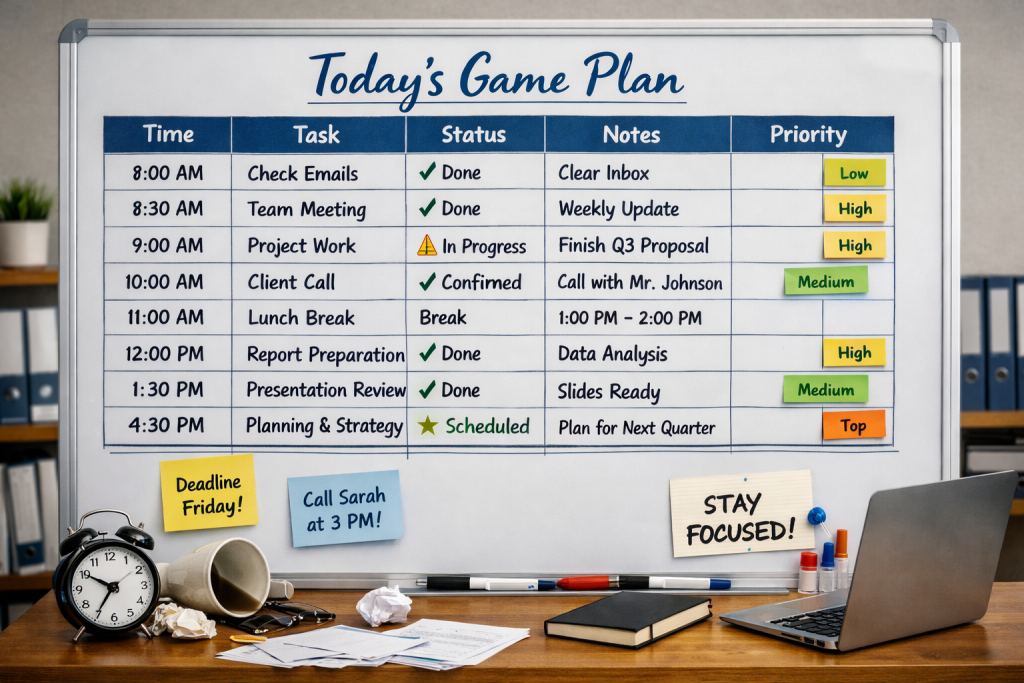
In a law practice, a missed deadline isn’t a minor inconvenience — it can end a case, damage a client relationship, and expose the firm to a malpractice claim. Yet many firms still rely on fragmented, inconsistent calendaring: individual attorney calendars that don’t communicate with each other, verbal reminders that depend on memory, and no redundancy when someone is out sick or on leave.
The consequences are predictable. Double-booked hearings. Court dates that slip through when a matter changes hands. Statute of limitations deadlines that no one flagged because no one owned the system. Client meetings scheduled without checking courtroom availability. And staff spending hours each week chasing down “when is that deposition again?” — time that should be billable or strategic. Disorganized calendaring doesn’t just create chaos. It quietly erodes the firm’s credibility, capacity, and legal standing.
Why Efficient Calendaring Is a Competitive Advantage
A well-built calendaring system does far more than keep appointments organized. It creates firm-wide visibility — every attorney and support staff member can see what’s coming, who is committed where, and where capacity exists. It enforces accountability by assigning ownership to every deadline and event. It protects the firm through built-in reminders and redundancy so that no single point of human failure can let a critical date slip. And it signals professionalism: clients notice when their attorney is prepared, on time, and never scrambling. A firm that runs on a reliable calendar runs with confidence — and that confidence is visible to everyone it works with.
Six Pillars of an Efficient Calendaring System
- One centralized platform— all attorneys, paralegals, and support staff working from a single, synchronized system. No parallel personal calendars for firm matters.
- Standardized event types and naming conventions— every entry categorized consistently (hearing, deadline, consultation, internal meeting) so the calendar is scannable and filterable at a glance.
- Layered reminders with redundancy— automated alerts at 30 days, 7 days, 48 hours, and same-day for all court deadlines and client commitments, with a secondary alert to a supervisor or firm administrator.
- Matter-linked entries— every calendar event tied to the relevant client matter in your practice management system, so context is one click away and nothing lives in isolation.
- Deadline calculation protocols— a standardized process for calculating and entering court deadlines at matter opening, using a checklist or automated deadline calculator to eliminate manual error.
- Coverage and delegation rules— a documented protocol for what happens to calendar responsibilities when an attorney is unavailable, including who reviews and owns coverage and how handoffs are confirmed.
Getting the System Off the Ground
Begin with a full audit of how calendaring currently works across the firm — including the workarounds. Choose a platform that integrates with your practice management software and that your team will realistically adopt. Document your calendaring standards in a written SOP: naming conventions, reminder settings, who enters what and when, and how deadlines are calculated and verified. Train every team member before launch, assign a calendar administrator to own the system, and phase the rollout rather than flipping everything at once. Adoption is the hardest part — build it into onboarding for every new hire from day one.
Keeping the System Reliable Over Time
A calendaring system that isn’t actively maintained will drift. Run a weekly calendar review — ideally a short Monday morning check — to confirm the week’s entries are accurate and complete. Audit deadline entries monthly for correct calculations and reminder settings. Review your SOP quarterly and update it when court rules, firm procedures, or platforms change. Treat every near-miss or scheduling error as a process signal, not just a human one: if something slipped, find out where the system allowed it and close that gap.
Is Your Calendar Working For You — or Against You?
If your firm is managing deadlines on instinct rather than infrastructure, it’s time to change that. I help law practices build calendaring systems that are reliable, firm-wide, and built to last.